Studio floors run on skill, not luck.
headzenix teaches studio equipment setup, dynamic camera operation, lighting and sound, and the workflows that keep television news and live shows smooth from rehearsal to transmission.
- No payment taken online
- Free course syllabus
Studio of the week
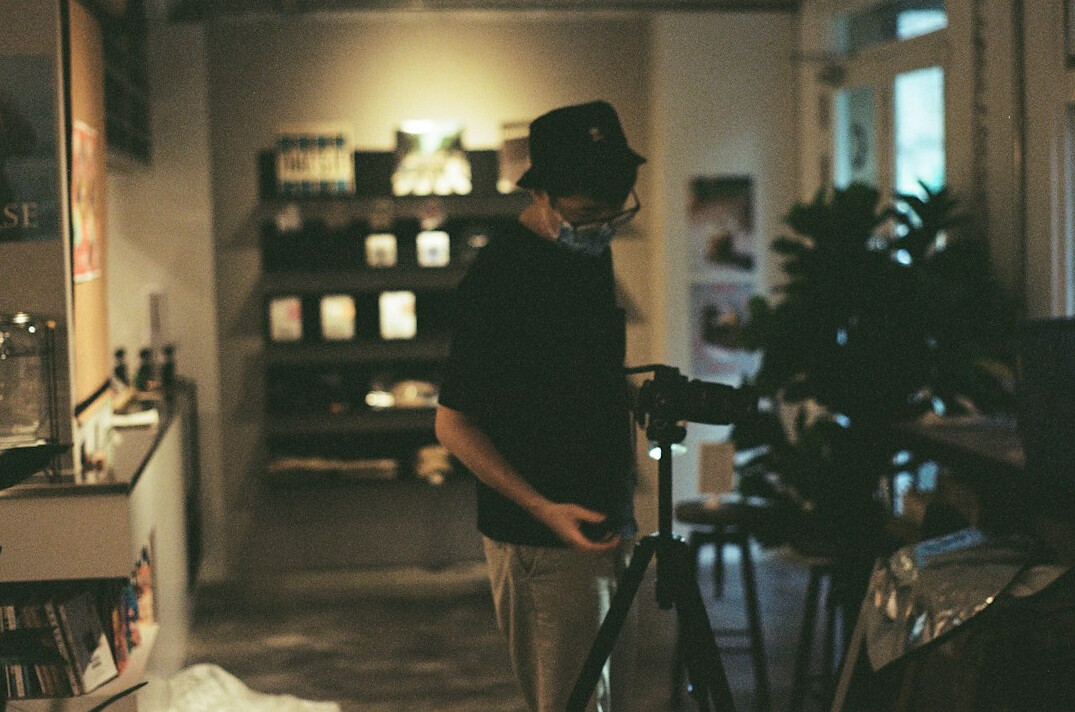
Every course is taught on a working multi-camera floor, not in a classroom.
Build a studio and go live without problems
Studio equipment setup
Pedestals, prompters, talkback, tally and cable routing, set up fast and safely every time.
Dynamic camera operation
Fluid moves on pedestal, jib and track with framing that stays sharp when the show changes.
Lighting you can trust
Presenter-friendly key, fill and back light with quick re-lights between segments.
Clean sound waves
Radio mics, booms and live mixing so every word is clear in the gallery and at home.
Questions from new crew members
Everything first-time learners ask before they book a place on a studio course.
Do I need prior experience?
Foundations starts from zero. Intermediate and advanced courses list their entry level clearly.
How big are the groups?
Small crews of up to eight, so every learner gets real time on camera, desk and floor.
When do courses run?
Weekday, weekend and intensive-week cohorts are available through the year.
What kit will we use?
Current broadcast cameras, LED and tungsten lighting, digital audio desks and a full gallery.
Can my team train together?
Yes. We run private cohorts for newsrooms and production companies on request.
Is safety covered?
Rigging, working at height awareness and cable safety are built into every floor session.
Gain more control over how your studio moves
From the first rig to the final transmission, you see how every decision shapes the show.
Measure your performance
Timed drills and graded run-throughs show exactly where your crew gains or loses seconds.
Build a repeatable workflow
Checklists for rig, rehearsal and transmission that work in any studio you walk into.
Learn to hit every cue
Countdowns, cueing and clear gallery calls practised until they become second nature.
Stay calm on air
Live-pressure rehearsals prepare you for late changes, dropped feeds and breaking stories.
Join the next cohort
Pick the schedule that suits you and train on a live multi-camera floor with working broadcast crews.
Weekday cohorts
Monday to Friday blocks for crews released by their employer.
Weekend cohorts
Saturday and Sunday sessions that fit around a working week.
Intensive weeks
Full-time immersion with a simulated news day to finish.
Precise.Rehearsed.Live.
What every learner takes away
Real floor time
Hours on live cameras, desks and lights rather than slides.
Clear course notes
Printed and digital notes to keep after every course.
Checklists to reuse
Rig, rehearsal and transmission checklists for your own studio.
Gallery experience
Try cueing, vision mixing and talkback in a working gallery.
Course certificate
A certificate of completion to add to your CV and portfolio.
Follow-up support
Questions after the course? Our trainers stay available by email.
Open courses
Book a place and our team will confirm dates and details. Prices include floor time, notes and certificate.
Equipment setup
Studio Floor Foundations
3 days · Beginner
£490£640-23%View courseCamera
Dynamic Camera Operation
4 days · Intermediate
£890£1,190-25%View courseLighting
Lighting and Colour for Broadcast
3 days · Intermediate
£740£990-25%View courseSound
Audio Waves: Mics, Mixing and Monitoring
3 days · Intermediate
£680£890-24%View courseWorkflow
Live Show Workflow and Gallery Craft
5 days · Advanced
£1,150£1,590-28%View courseWorkflow
Newsroom Production Intensive
8 days · Advanced
£1,690£2,350-28%View course
Not sure which course fits your crew? Write to us at [email protected] and we will help you choose.
From first rehearsal to live on air
Every course follows the same clear path so you always know what happens next.
- 1
Brief and kit check
We agree goals, review your current setup and walk the floor before a single camera moves.
- 2
Floor rehearsal
Short drills build camera, lighting, sound and gallery skills, then link them into full run-throughs.
- 3
Live assessment
Your crew delivers a timed show to air standard and receives clear, practical feedback.
You ask? We answer
Do you provide a certificate?
Yes. Every learner who completes a course and its final assessment receives a certificate of completion.
Can I pay for a course online?
Online payment is not available. Send us an enquiry through the contacts page and we will confirm your place and payment details by email.
Are there discounts for groups?
Group bookings for newsrooms and production companies are quoted individually. Tell us your team size and preferred dates.
How much floor time will I get?
Most of every course is hands-on. Groups are kept small so each learner rotates through camera, sound, lighting and gallery roles.
Can you teach at our own studio?
Yes, on-site training can be arranged. We review your equipment first and tailor the content to your workflow.
What should I bring on the first day?
Comfortable closed shoes, a notebook and your questions. All equipment and course notes are supplied.
An all-in-one studio workflow, camera to transmission
Our programmes join equipment, camera, lighting and sound into one practical method that your whole crew can follow.
Talk to our teamConnect
Link cameras, comms, audio and graphics into one tidy, tested signal path.
Capture
Frame, light and mix every shot with calm, repeatable technique.
Transmit
Hand over to air with clear calls, clean levels and a crew that knows its cues.